NAS · RAID · 8-bay · in service · ~2013 · DSM 7 incompatible
Synology DS1813+
8-bay network-attached storage · Intel Atom D2700 dual-core · 2 GB ECC (upgradeable to 4 GB) · 4× Gigabit Ethernet · expandable to 18 bays via 2× DX513 · DSM 6.2.4 (final) · launched 2013
Bays
8
Expandable to
18
Ethernet ports
4 × 1GbE
Launched
2013
Age
~13 yrs
Status
EOL · DSM 6
↗ Synology product page
↗ DSM 6 downloads
↗ Knowledge base
↗ Security advisories
↗ DX513 expansion unit
Photo strip
Identity facts
Model
DS1813+ · DiskStation 8-bay Plus series · Synology Inc · Taiwan
Serial number
TBD · read off the rear-panel label (typically
13XXX... prefix for 2013-vintage units). Drop photo into zone below.MAC addresses (4 NICs)
TBD · capture all 4 from the rear-panel label OR DSM Control Panel → Info Center → Network. Useful for DHCP reservations + access-control allow-lists.
Power input
100–240 V AC · internal PSU · ~250 W max draw under load; ~50-80 W typical operating
Purchase + install
TBD · drop receipt into the zone below to lock the date + retailer
Current location
TBD · note rack/shelf + which switch port(s) it's lit up on
Drives installed
TBD · 8 bays — note capacity per bay, brand, age, SMART status. Drop SMART reports.
DX513 expansion unit(s)
TBD · do any DX513 units extend this? Capacity each, drives installed.
RAID configuration
TBD · Synology Hybrid RAID (SHR)? Traditional RAID 5 / 6 / 10? · usable capacity vs raw · snapshot policy
DSM version
DSM 6.2.4 (final supported) · no DSM 7 path · screenshot current build for the record
RAM upgrade?
TBD · stock 2 GB ECC, max 4 GB. Has anyone added the upgrade module?
Network role
TBD · what it serves (Time Machine? bulk media? off-site backup target?)
Network isolation
⚠ Should be on isolated VLAN with no inbound internet access given EOL status — confirm
Full specs · DS1813+
| CPU | Intel Atom D2700 · dual-core · 2.13 GHz · Pineview · 10 W TDP · Hyper-Threading (4 threads) |
|---|---|
| Memory (stock) | 2 GB DDR3 ECC SO-DIMM · 1066 MHz |
| Memory (max) | 4 GB (1 × 4 GB SO-DIMM or 2 × 2 GB) · ECC required |
| Drive bays | 8 × 3.5"/2.5" SATA 6 Gb/s · hot-swappable · lockable trays |
| Max raw capacity (internal) | Originally rated 8 × 4 TB = 32 TB. Practically larger drives work (Synology Drive Compatibility list controls). 8 × 18 TB = 144 TB possible with current generation drives. |
| Expansion | Up to 2 × DX513 expansion units (5 bays each, eSATA-cabled) · total max 18 bays |
| Network | 4 × Gigabit Ethernet (RJ45) · failover · link aggregation (802.3ad) · 1 × management LAN |
| USB | 2 × USB 3.0 + 4 × USB 2.0 (6 total) |
| eSATA | 2 × eSATA · for DX513 expansion units |
| File systems | EXT4 (no Btrfs on this generation) · EXT3/EXT4/FAT/NTFS/HFS+ (external) |
| Operating system | DSM (DiskStation Manager) · final supported 6.2.4 · DSM 7 not available for this model |
| Hardware features | ECC RAM · IPv6 ready · WoL · scheduled power on/off · failover IP |
| Dimensions | 157 × 340 × 233 mm (H × W × D) |
| Weight | ~5.2 kg (without drives) |
| Power supply | Internal PSU · 100-240 V AC · ~250 W max |
| Fan | 2 × 120 mm rear · smart speed control |
| Launch year | 2013 · positioned as small-business 8-bay performance unit (successor to DS1812+) |
| EOL status | Dropped from DSM 7 (2021). DSM 6 still receives critical security patches but on winding-down cadence. Treat as warm-archive after 2026. |
Drop zone
Drag in receipts, manuals, expansion-unit history, drive labels, SMART reports, DSM screenshots, firmware notes. Files stay in your browser until you click 📋 Copy JSON for sync and run pa_dropzone_apply.py (or paste the JSON to Claude). Files land in pa/technology/synology-ds1813-plus/.
Files archived
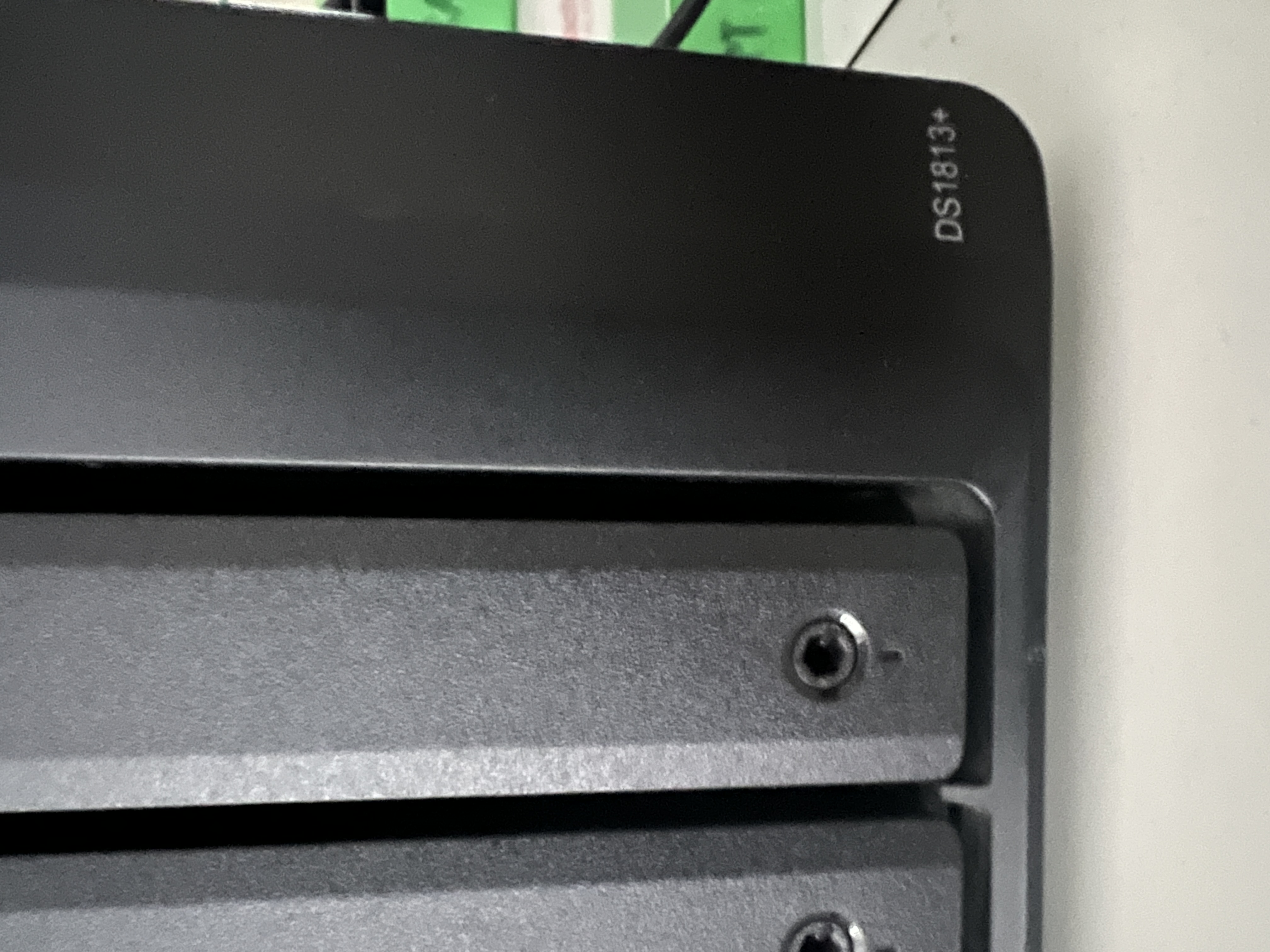
- synology-ds1813-plus-model-badge-corner-detail.jpg · 1.6 MB · model badge corner detail · captured 26 May 2026
Web-sized variant (suffix -web.jpg, ~620 KB, 2000 px wide) drives the photo strip; click the image for the full-resolution original. Still wanted: rear-panel rating plate (for S/N + MAC harvest), DSM "Info Center" screenshot, current Storage Pool layout, any DX513 expansion unit invoices.
Steward actions outstanding
- Photograph rear-panel label — captures S/N + all 4 MAC addresses in one go. Drop in zone.
- Find original receipt — lock purchase date + retailer + extended-warranty window.
- Catalog DX513 expansion units — are any installed? S/N + drives per unit.
- Inventory all 8 drives — model, capacity, age, S/N, SMART status per bay.
- Export DSM Storage Pool report — Control Panel → Storage Manager → Overview screenshot.
- Capture DSM version + last update — Control Panel → Info Center.
- Document network role — Time Machine? Media? Off-site backup? Both?
- Verify VLAN isolation — given EOL, should NOT be on the same subnet as user devices with inbound rules.
- Migration target sketch — what's the 12-18 month replacement plan? (Newer Synology / QNAP / TrueNAS / pure-cloud archive.)
- Track DSM 6 security patches — once they stop entirely, the unit must come offline or move to warm-archive on an isolated VLAN.
Cross-references
- QNAP TS-453A — the sibling 4-bay enclosure on the same network
- Technology category index
- Migration context: the Audrey 4TB photo-library + Immich RAID sketch (parked memory) covers the broader "what does the warm-storage layer look like going forward" decision; this unit's data + that planning rhyme